Account Setup
To use the OtterSign API you need an account. Sign up or sign in at app.ottersign.com.
Then follow the steps below to copy your Client ID and Client Secret.
Create an OtterSign account (or sign in if you already have one).
In the left sidebar, open Settings, then choose Account and Preferences.
Scroll to the API keys card. Use Show to reveal Client ID and Client Secret, then Copy if you need them.
Optional: use the direct link in the note below (requires sign-in).
Optional: open Account and Preferences directly at app.ottersign.com/settings/account (requires sign-in).
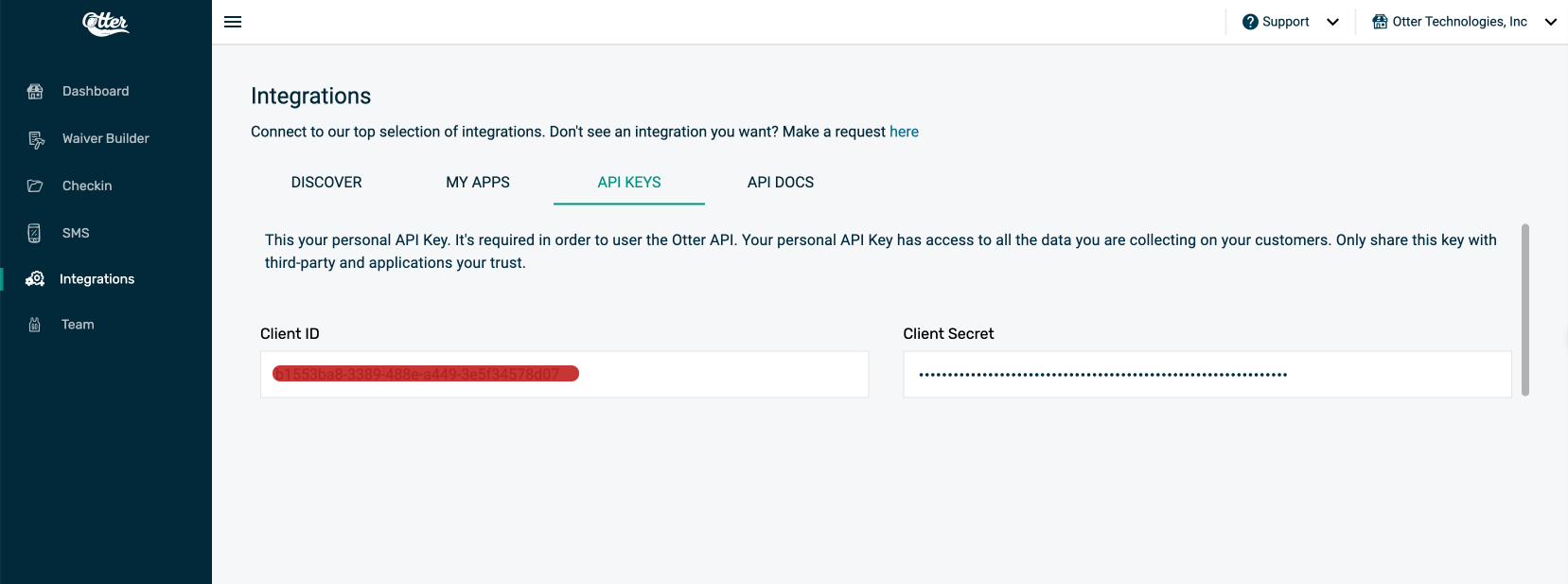
Your Client ID and Client Secret carry many privileges, so be sure to keep them secure! Do not share your secret API keys in publicly accessible areas such as GitHub, client-side code, and so forth.
All API requests must be made over HTTPS. Calls made over plain HTTP may fail. API requests without authentication will also fail.
After you have your Client ID and Client Secret, the next step is to obtain an authorization token for all other API requests.